Internet Radio Tools: Plugin for SHOUTcast
26 Dec 2010 | No Comments | posted by James M | in Industry Insider, Tutorials and Howto
We’ve recently put together a suite of 3 amazing tools for broadcasters using the SHOUTcast platform.

SHOUTcast on its own seriously lacks certain functionality, so our tools are designed to target the three major problems that we’ve found so many broadcasters face.
- Getting listeners tuned in to SHOUTcast via their iPhone and Blackberry Devices
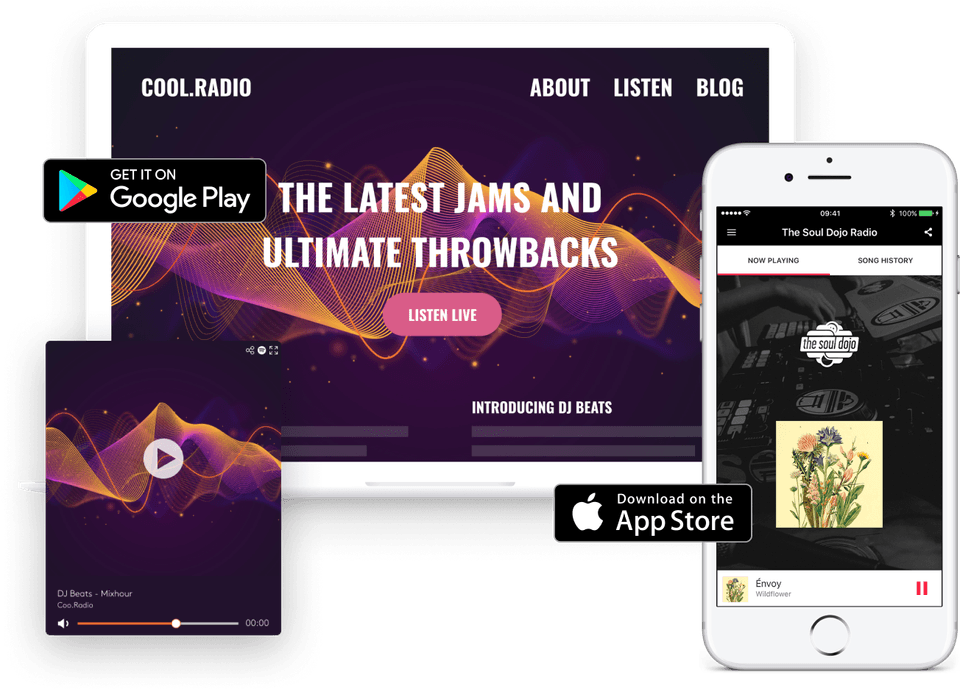
- Allowing people to hear your radio station using ALL common media players. No matter what operating system – SHOUTcast via Windows Media, iTunes, Winamp and More.
- Finally, providing a simple way for anyone to hear your broadcast right from within their browser. SHOUTcast flash player which works on IE, Firefox, Safari and Chrome.
Find out how to get all 3 free tools for your radio station by watching the following video:
Free SHOUTcast Flash Player for your Website
26 Feb 2009 | 3 Comments | posted by James M | in Industry Insider
We are proud to announce the immediate availability of our new Flash Player – with over 20 different skins to choose from, it can easily be implemented onto any radio stations website and will enable you to reach a wide audience with your SHOUTcast server.
The great news is, you don’t even have to be a Wavestreaming customer to take advantage of this – it is open and free to everyone! Just visit the following page to get started;
http://www.wavestreaming.com/servers/flash-streaming/shoutcast-player.php
The great thing about Adobe Flash is that it can play MP3 streams, and is very widely compatible. You’ll be hard pushed to find someone who doesn’t have flash on their computer and our SHOUTcast Flash Player will work on nearly all browsers and operating systems, including Firefox, Internet Explorer, Safari, on both Windows XP & Vista plus on Mac OSX, even on Linux PC’s!
Previously SHOUTcast radio stations often depended on embedded Windows Media Player to add their stream directly onto the website, this of course caused issues with non-windows users. Now, using our Flash player – the stream can be played on almost any system.
We offer a selection of over 20 skins to choose from. These are from simple black & white themed through to more adventurous colours to suit any website. Here are just a few of the skins available;
To grab your player today, just visit our main site;
http://www.wavestreaming.com/servers/flash-streaming/shoutcast-player.php
Categories
Tags
80 Auto DJ broadcasting bypass Cloud DJ condenser corporate count Downtime firewall flash internet Internet Radio Internet Radio Marketing listen listener listeners live manchester microphone network News now playing player port port 80 proxies proxy Radio realtime Request servers SHOUTcast shoutcast radio song title Statistics stats Streaming wavepanel Wavestreaming wavestreaming christmas opening hours web developer windows media services wms work-
Latest Posts